
Changing, renewing, and canceling your Elonga membership

All ElongaPlus membership management can be done directly in the Elonga mobile app. Below is an overview of all available options.


Changing Your Membership Type
You can change your membership type at any time (e.g., monthly → annual, annual → two-year) directly in the app.

  • The new plan will be activated from the next payment period.
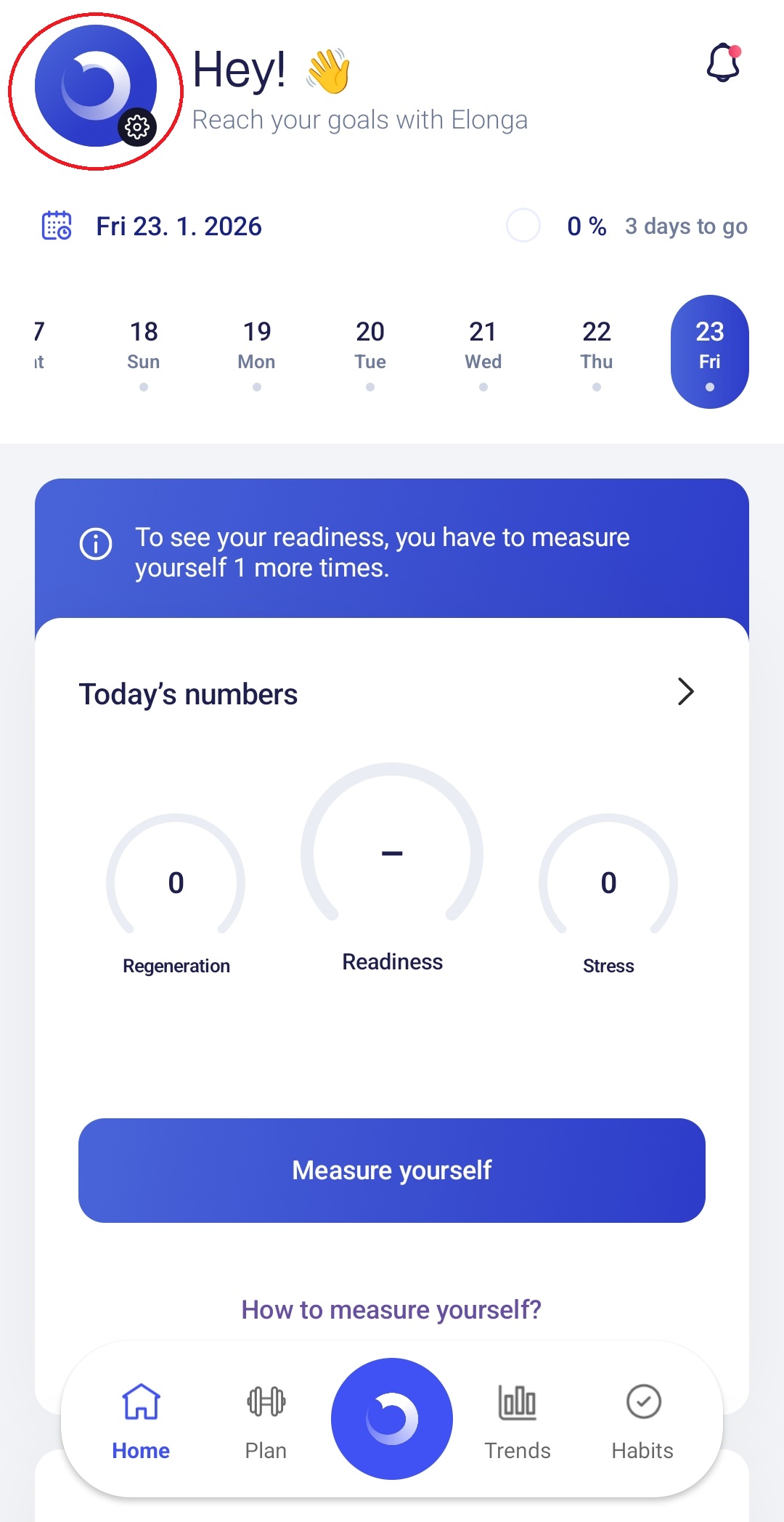
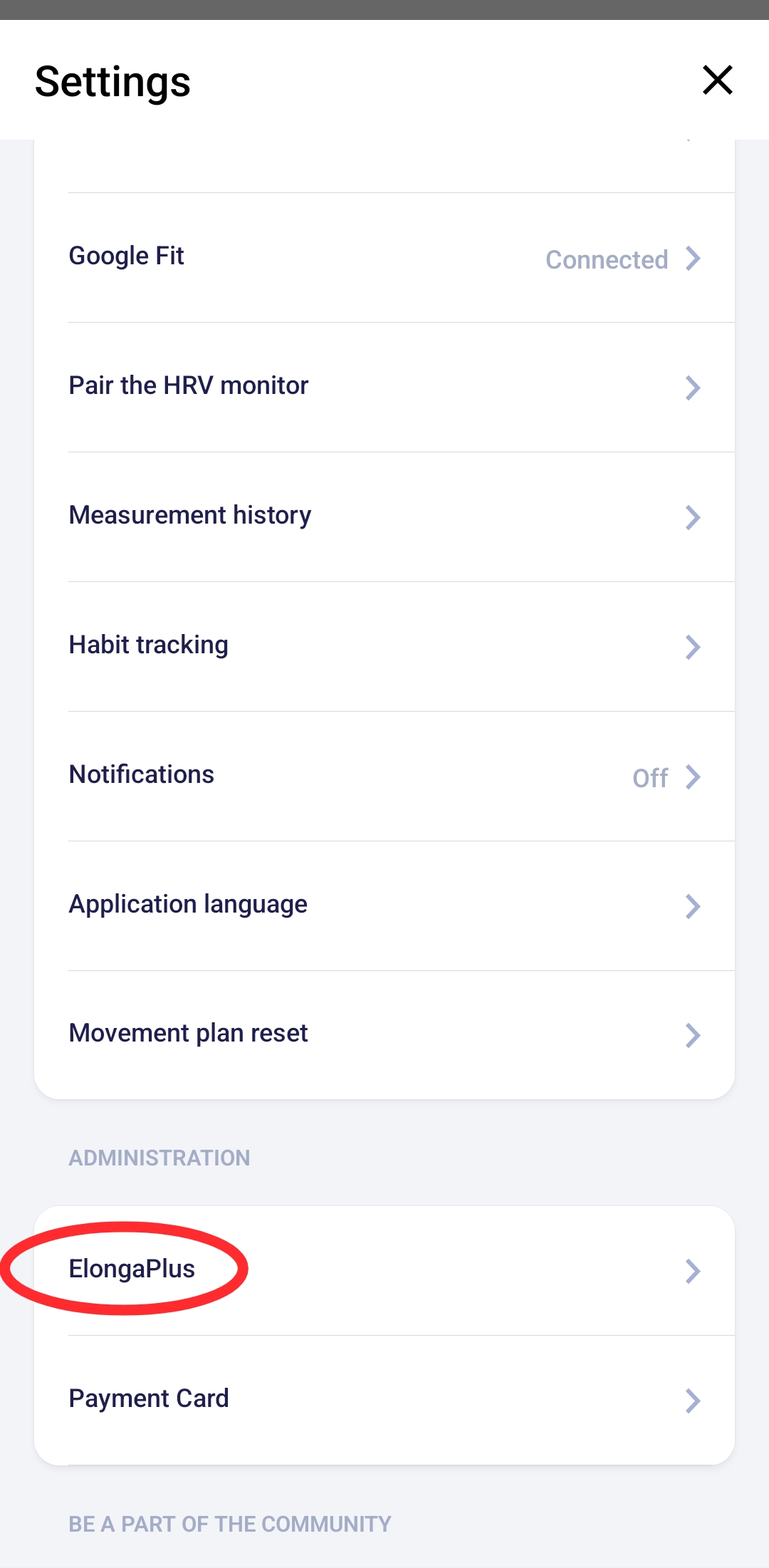
  • To change your plan, go to:
    Settings → ElongaPlus

The change will take effect in the next billing cycle.


Renewing Your Membership
Membership renews automatically unless canceled.

If you previously canceled it:

  • you can reactivate it at any time directly in the app,

  • once reactivated, you immediately regain access to all advanced features.


The restoration takes place directly in the application, without waiting.


Canceling Your Membership
Membership can be canceled at any time in the app settings.

Important:

  • The monthly plan has a minimum commitment of 12 months. 
  • Cancellation will take effect after the commitment period has expired.
  • After the paid period expires, the app will switch to limited mode.
  • Measurements and advanced features will not be available.
  • The sensor remains yours even after canceling the membership.


Cancellation does not cancel the commitment; it only stops future automatic renewals.


Need Help with Your Membership?

If you’re unsure how to proceed or need assistance with membership changes outside the app, you can contact our customer support team.

Was this article helpful?

That’s Great!

Thank you for your feedback

Sorry! We couldn't be helpful

Thank you for your feedback

Let us know how can we improve this article!

Select at least one of the reasons
CAPTCHA verification is required.

Feedback sent

We appreciate your effort and will try to fix the article