
Elonga allows integration with selected platforms for activity synchronization.
1. Which integrations does Elonga support?
The app supports integration with:
Google Fit (Android)
Apple Health (iOS)
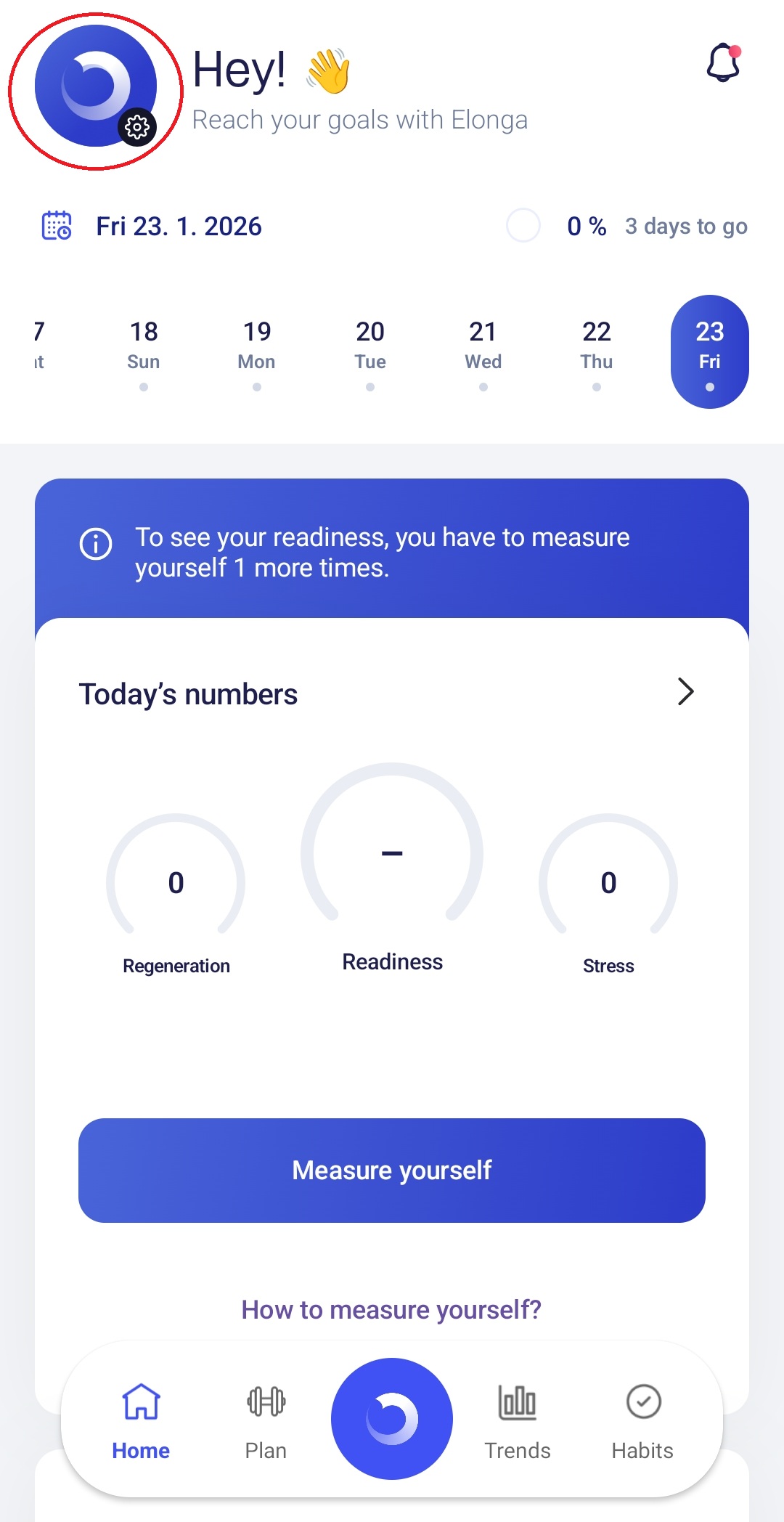
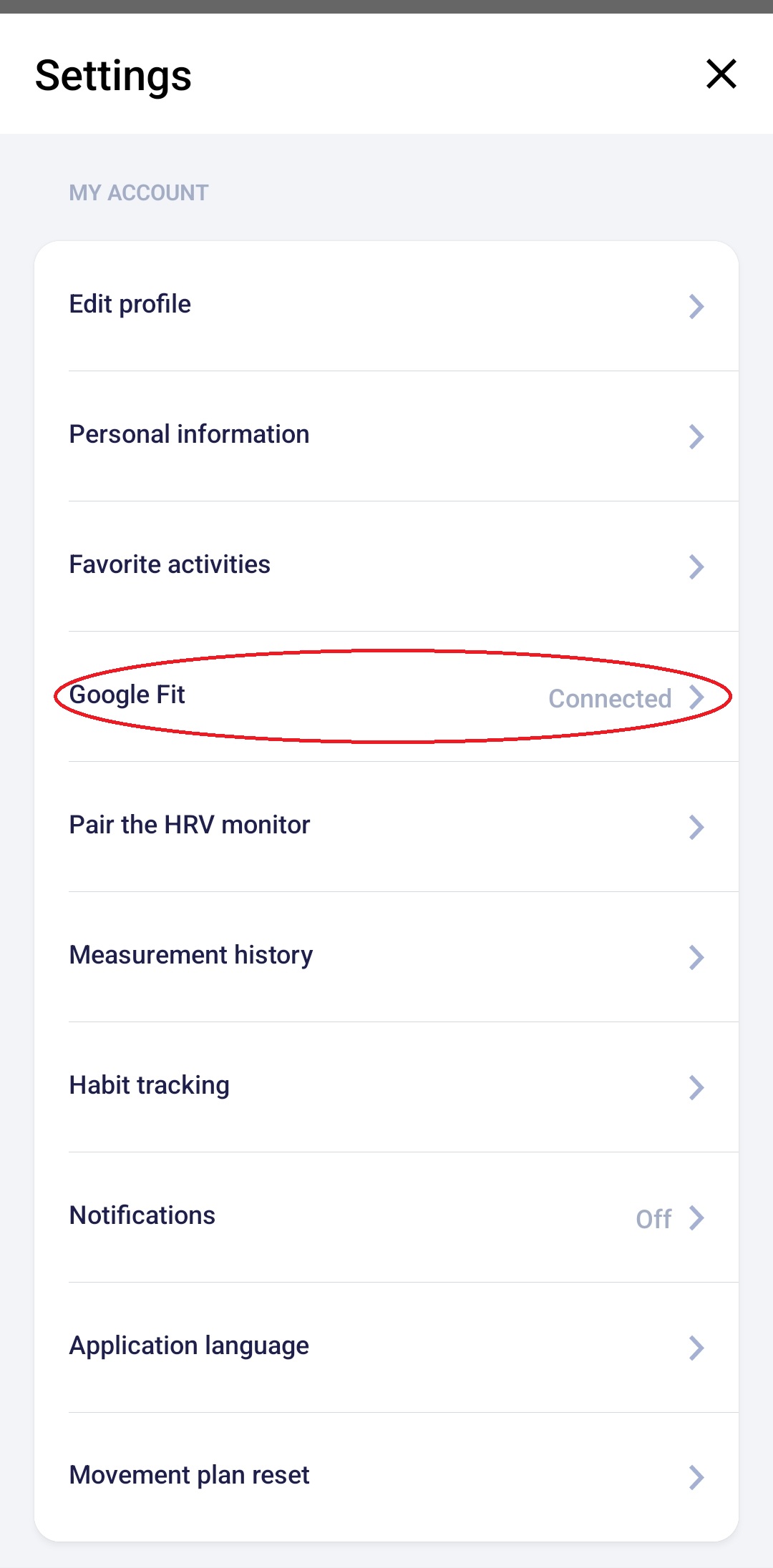
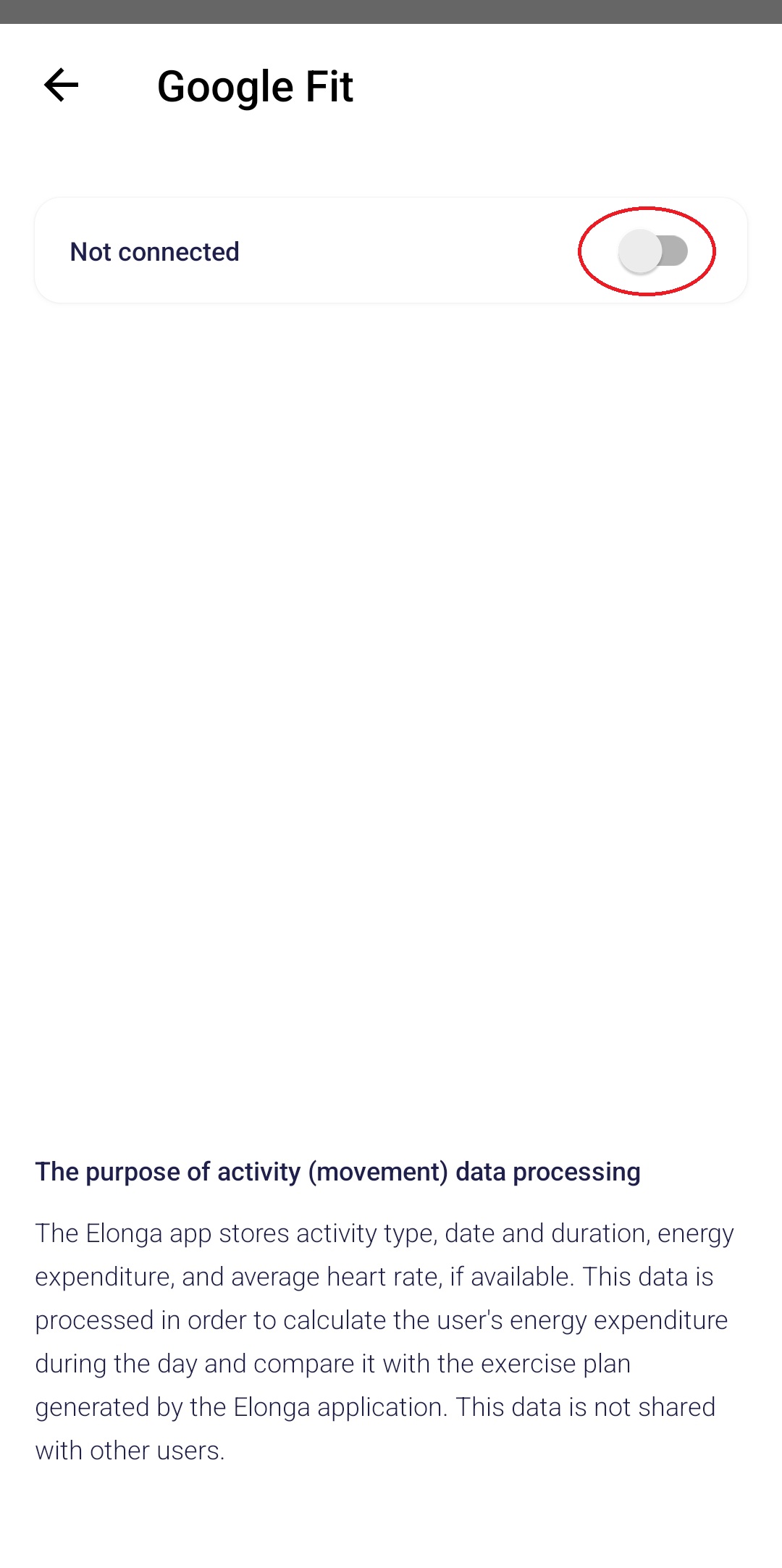
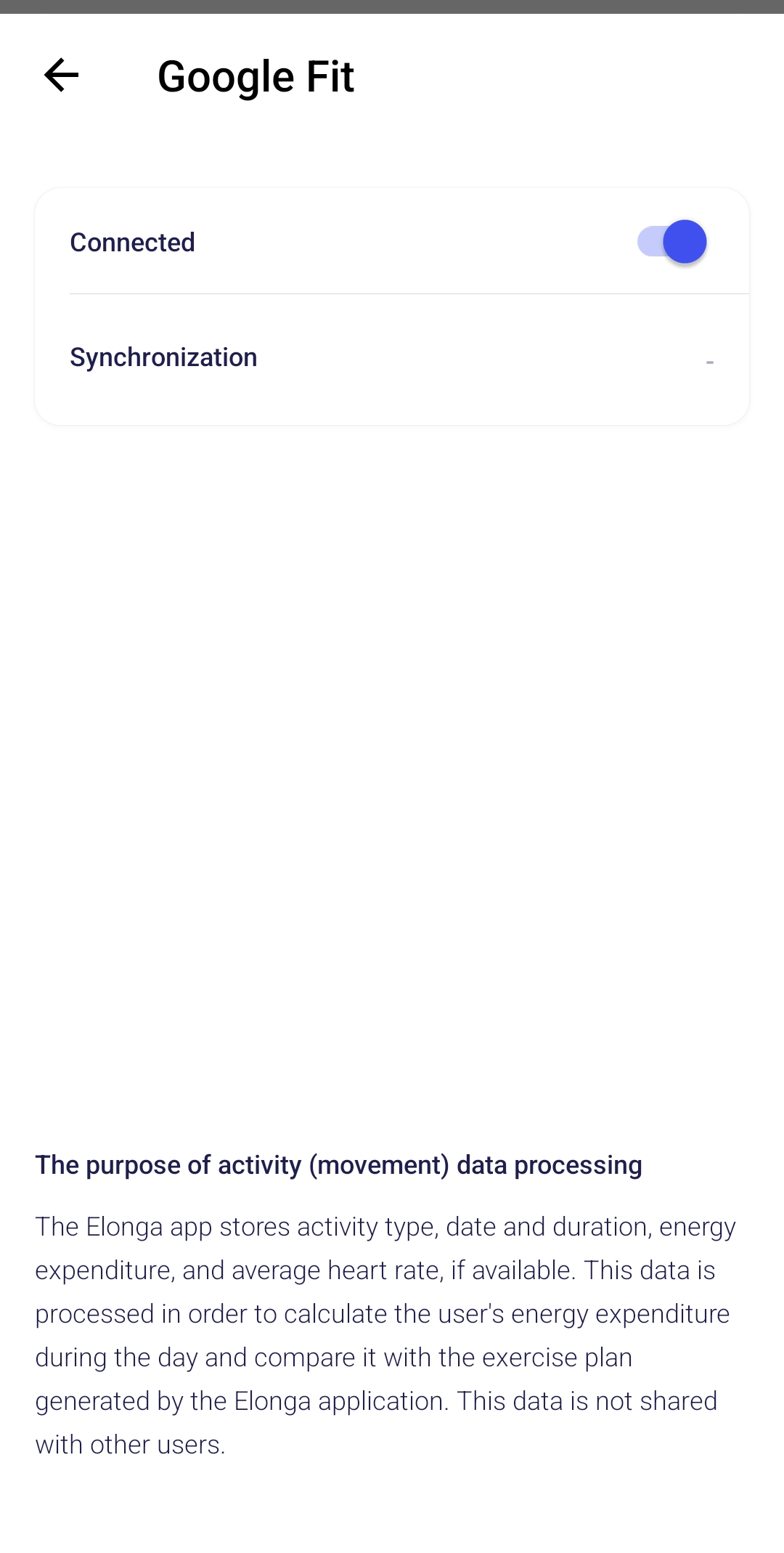
These platforms allow automatic importing of activities into the Plan section.
Imported data includes:
light activity (steps)
medium and high intensity (kcal)
time information for recorded activities
Activities can be manually edited or deleted afterward.
Synchronization is used only for activity tracking and does not affect HRV results.
2. Can Elonga connect to Garmin Connect, TrainingPeaks, Samsung Health, or other apps?
No, these integrations are not currently supported.
Elonga does not integrate directly with:
Garmin Connect
TrainingPeaks
Samsung Health
Polar Flow
Suunto
Strava
or any other third-party sports app
Elonga works only with standardized data from Apple Health and Google Fit to ensure compatibility and consistent activity formats.
3. Why is there no direct integration with other apps?
Key reasons include:
different apps use different data formats
no unified API exists for secure, stable integration
Elonga requires structured and precise data for accurate plan calculations
supporting many third-party platforms would reduce system reliability
4. Can I import data indirectly?
Yes, some apps allow syncing into Apple Health or Google Fit.
Examples:
Garmin → Apple Health (via Garmin Connect)
Samsung Health → Google Fit
5. What if activities sync incorrectly or not at all?
We recommend:
checking that the integration is active
verifying that the third-party app actually writes data to Apple Health / Google Fit
disabling sync temporarily and entering activities manually
Summary
Supported platforms: Google Fit & Apple Health
Data can be imported only from these platforms
Synchronization is for activity tracking only and does not influence HRV
Was this article helpful?
That’s Great!
Thank you for your feedback
Sorry! We couldn't be helpful
Thank you for your feedback
Feedback sent
We appreciate your effort and will try to fix the article